
Leaving Trakt?
Trakt import: bring your full history into Suivu, in one click
Want a mobile-first app built for everyday tracking, with no ads? Suivu imports your Trakt archive exactly as it is and rebuilds your whole library in 2 minutes.
Watch history, ratings and watchlist come along automatically — drop the ZIP file without unzipping it, Suivu recognizes the Trakt format on its own.
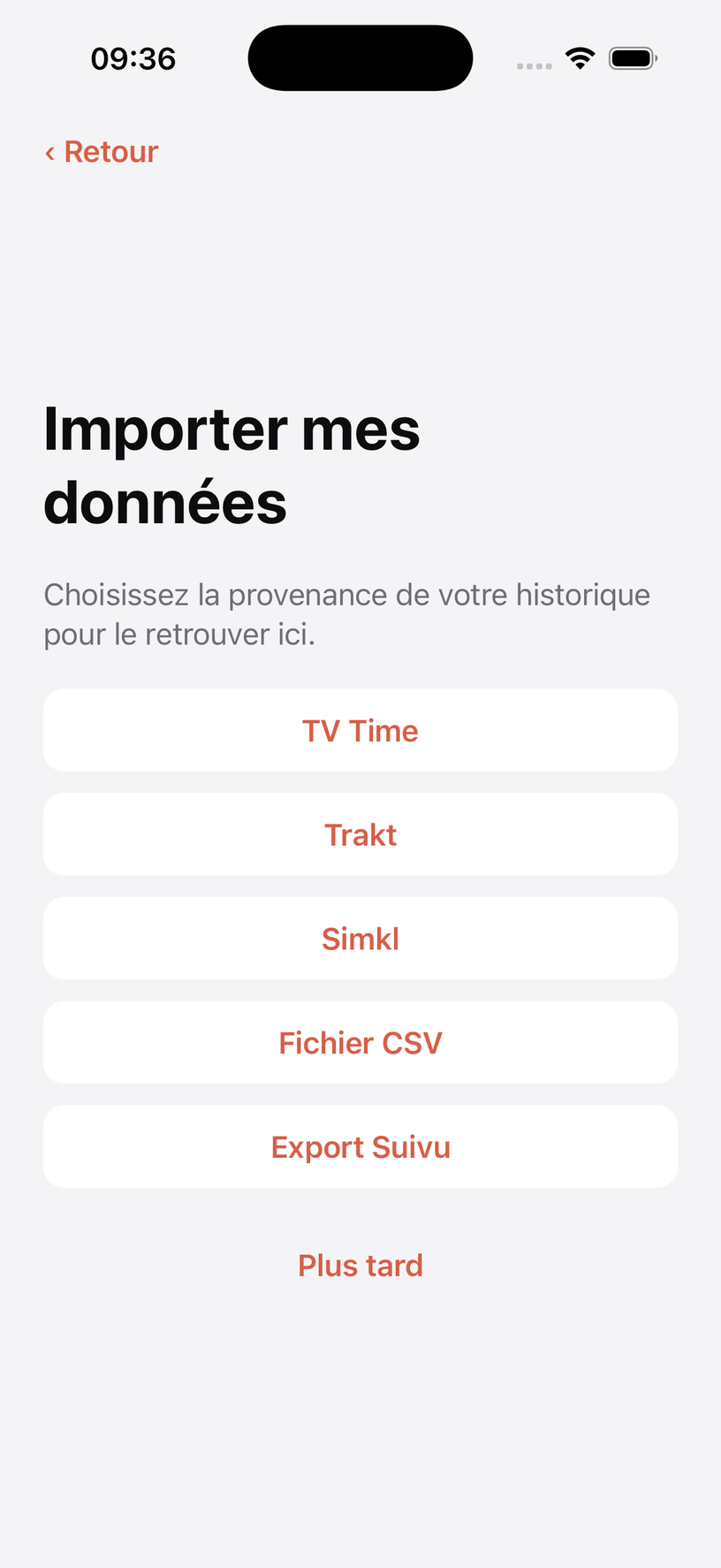
Step 1 — your Trakt archive
Export your data from Trakt
Trakt lets every account, VIP or not, export its personal data. The process takes a few minutes and the archive is sent to you by email.
-
Open Trakt's data settings (trakt.tv/settings/data)
From a browser, on mobile or desktop. If the address changed, look for the "Data" section in your account settings.
-
Sign in with your Trakt account
Use your usual Trakt credentials.
-
Request your data export
Confirm the export request: Trakt prepares a complete archive of your history, ratings and watchlist.
-
Get the ZIP file by email
You receive an email with a download link to your archive.
-
Keep the file as it is
Download the ZIP and keep it without unzipping it: that's the file you'll drop into Suivu.
Your Trakt account stays intact: the export is a copy of your data. Try Suivu with peace of mind and keep Trakt running while you decide.
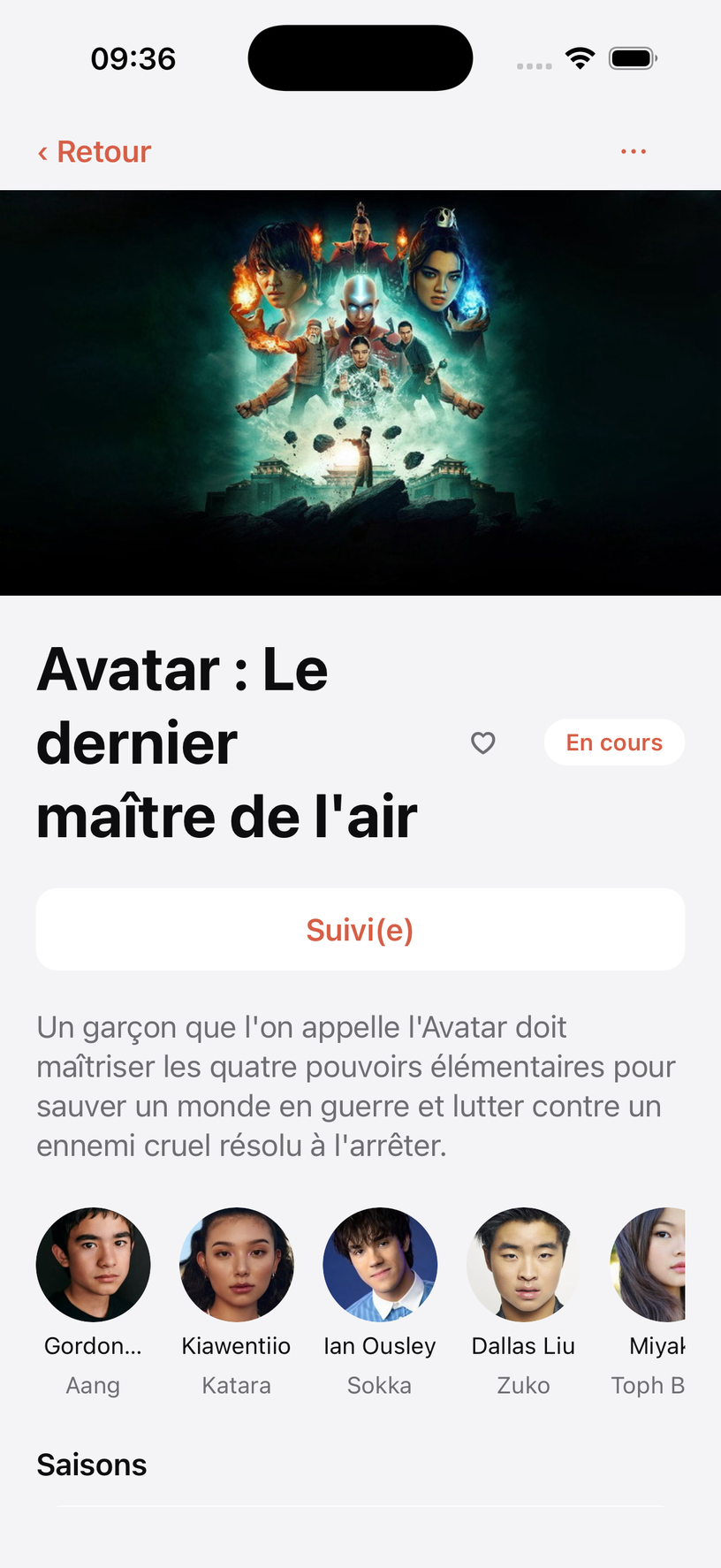
Step 2 — Import your Trakt history into Suivu in 2 minutes
Drop the Trakt ZIP archive into Suivu when you sign up, without unzipping it. Suivu recognizes the format automatically and rebuilds your entire library.
- Complete watch history, episodes and movies, with dates
- Show ratings
- Watchlist picked up as is
- Every title matched to its page automatically
- 100% free import, no limits, from the moment you create your account
Also have a TV Time archive? Suivu recognizes it the same way: the TV Time import guide is here.
After the import
Everything TV Time did, and what Suivu adds
Once your history is imported, Suivu takes over day to day to track your shows and movies.
Release calendar
Every upcoming release for your followed shows, all in one place, projected up to a year ahead.
Spoiler protection
Comments and reactions stay hidden until you've watched the episode.
Detailed stats
Watch time, personal records, breakdowns by genre and platform.
Yearly recap
At year's end, a complete summary of your watching, ready to share as an image.
Social feed
Follow people you know, comment on every episode, compare stats with friends.
The Pick
A card deck to figure out what to watch next, solo or head-to-head with a friend.
Ciné-Défi
A daily movie and TV quiz, with a streak to keep alive and a score to share.
Availability
Suivu is available on the App Store and Google Play
The app is available right now on the App Store and on Google Play, with no ads and no data selling. Export your TV Time history and import it into Suivu to bring back all your shows and movies.


Frequently asked questions
What to know about the Trakt import
What does Suivu pick up from my Trakt account?
Suivu imports the watch history (episodes and movies, with their dates), show ratings and the watchlist contained in the Trakt export archive. Every title is matched to its page automatically.
Is importing my Trakt archive into Suivu free?
Yes, importing your Trakt archive into Suivu is completely free, including for accounts that never subscribe to Premium.
Do I need Trakt VIP to export my data?
No. Exporting your personal data is available to every Trakt account, without a VIP subscription, from your account settings.
Do I need to unzip the file before importing it into Suivu?
No. Drop the archive into Suivu exactly as it is, without unzipping it: Suivu detects the Trakt format automatically and reads the ZIP content directly.
Does the import change or delete my Trakt account?
No. Suivu only reads a copy of your data, the exported archive. Your Trakt account stays intact and you remain free to keep using it or close it.
I also have a TV Time archive, which one should I import?
Suivu automatically detects both TV Time and Trakt archive formats: import the one with the most complete history. The dedicated TV Time guide is here.
Your Trakt history deserves an app built for mobile
Import your Trakt archive into Suivu and get your entire history back, on iPhone and Android alike, ad-free.
Recover my history